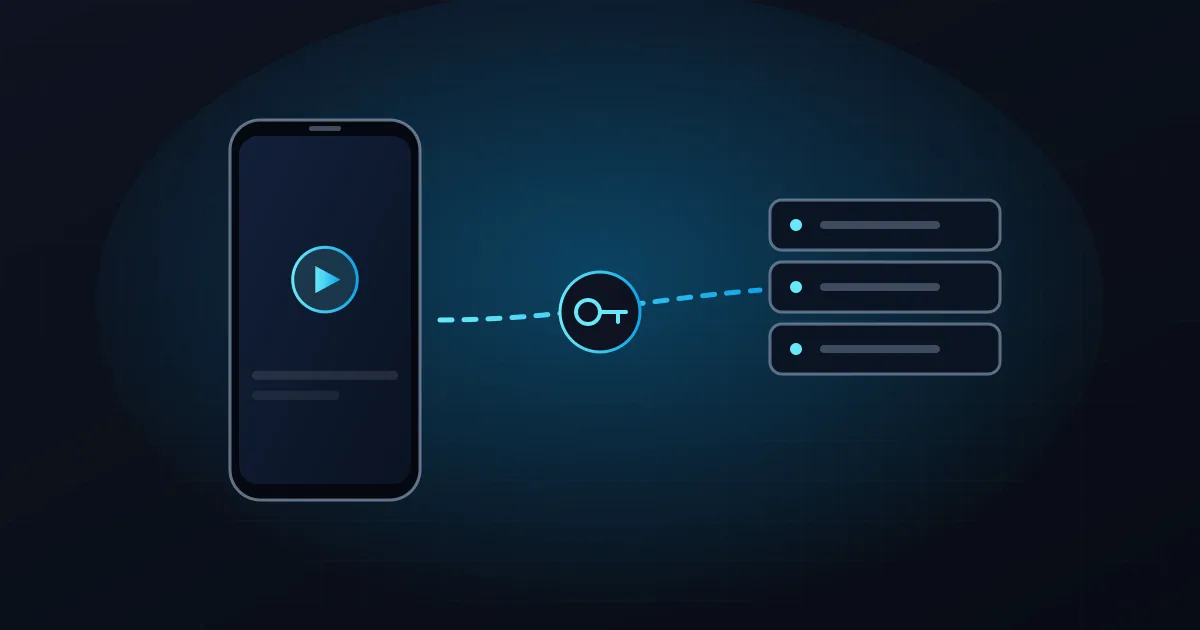
In short: Smarters apps are IPTV players. An app upgrade unlocks app features only. The channels come from a separate IPTV subscription, such as VisitXO, which you add to the app with an M3U playlist URL or an Xtream Codes login.
Two things an "IPTV Smarters Pro subscription" can mean
When people search for it, they usually mean one of these:
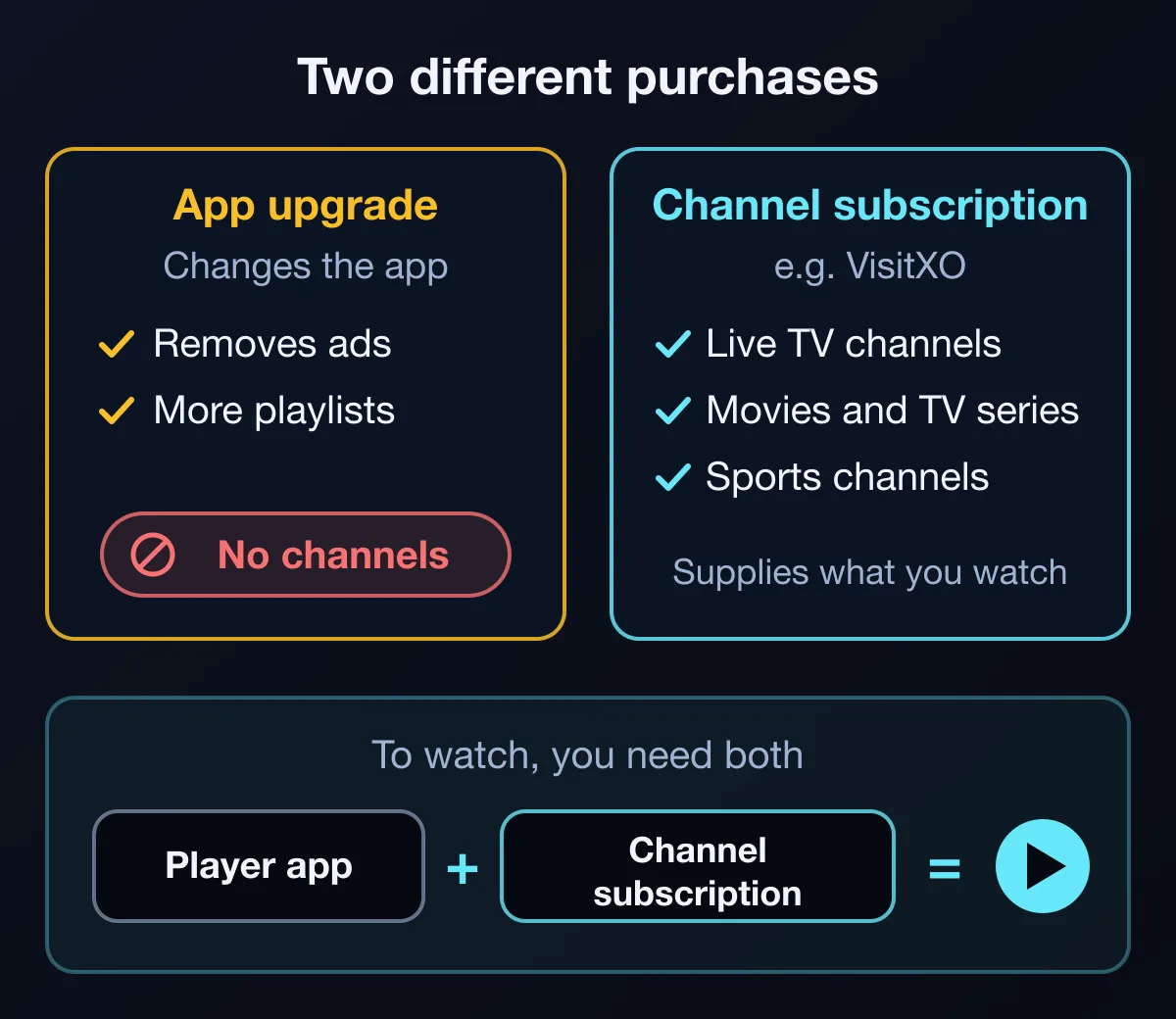
- A channel subscription to watch in the app. This is the part that gives you live TV channels, movies, TV series and sports. It comes from an IPTV service, not from the app.
- An app upgrade sold inside a Smarters-branded app. It changes what the app can do, such as removing ads, but it does not add channels.
The app upgrade: what it does and does not include
Several apps on the App Store use the Smarters name, from different developers, and they sell different upgrades. Two examples from their US App Store listings, checked on 18 November 2026:
- Smarters Player Lite (developer: WHMCS SMARTERS) is free, with a $1.99 premium in-app purchase. Its listing describes it as a standalone media player that does not provide any TV channels or streaming services.
- IPTV Smarters Player PRO (a different developer) is free, with PRO plans listed at $1.99 a week, $5.99 a month, $17.99 a year or $49.99 lifetime. The listing says PRO removes ads and allows unlimited playlists, and that the developer offers no IPTV subscriptions or content.
Before you install or pay, check the developer name on the official store listing, and whether an upgrade is weekly, monthly, yearly or one-time. Prices can change. VisitXO is not affiliated with the developers of any app mentioned here.
The channel subscription: where the content comes from
The channels you watch come from an IPTV service. With VisitXO, that means live TV channels, movies, TV series and sports channels.
Every VisitXO customer receives their own details for both connection methods: an Xtream Codes API login (server URL, username and password) and an M3U playlist URL. Plans are prepaid for 1, 3 or 12 months, work on one device at a time and do not renew automatically.
How to add a channel subscription to a Smarters app
Smarters-branded apps list different connection methods, so check yours first:
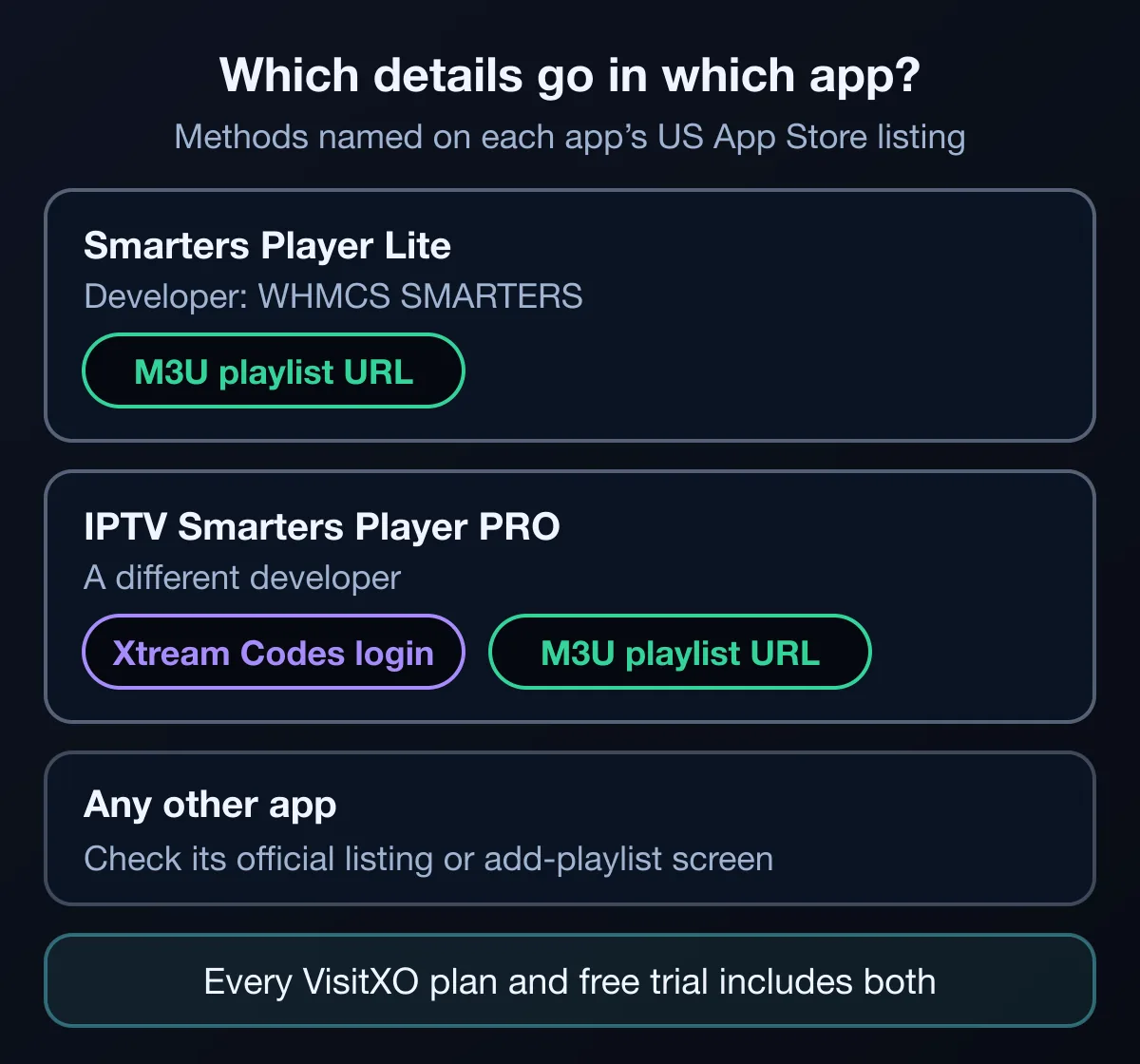
- The Smarters Player Lite listing names M3U (and JSON) playlists. With it, use your M3U playlist URL.
- The IPTV Smarters Player PRO listing names both the Xtream Codes API and M3U playlists, so either method can be used there.
- For any other app, look for these methods on its official listing or in the app's add-playlist screen.
The general steps
Open the app, choose the option to add a new playlist or user, pick the method that matches your details, and enter them exactly as we sent them. Option names vary between apps. Most sign-in problems come from a missing character or an extra space, so copying and pasting from our message helps.
Listing an app here does not mean VisitXO has tested it. If you are unsure, tell us which app you use and we will help you add VisitXO to it.
The general rule: player vs subscription
This is not unique to Smarters. Every IPTV player works the same way: the app plays the channels, and a subscription supplies them. Other player developers say the same about their own apps:
- TiviMate's Google Play listing says it does not provide any content, and that its premium upgrade unlocks app features only.
- The Smart IPTV developer states that no channels are included.
- Televizo's developer says it is a video player only.
What you might pay for
Costs come from two separate places:
- The player: some are free (VLC, for example, is free with no ads), some are free with optional in-app purchases, and some charge for premium features or activation. Check the official listing.
- The channel subscription: VisitXO plans are $12 for 1 month, $25 for 3 months and $69 for 12 months, prepaid with no auto-renewal.
Common mistakes to avoid
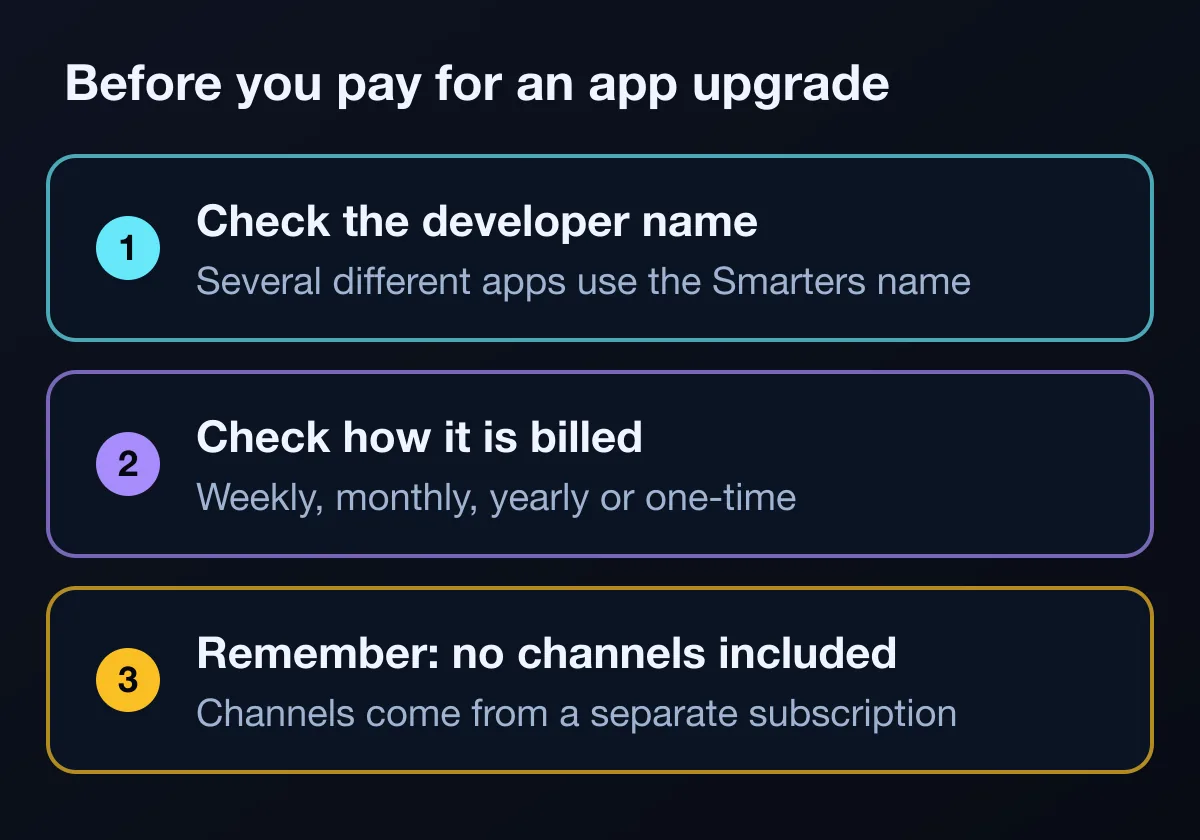
- Buying an app upgrade and expecting channels to appear.
- Installing a look-alike app without checking the developer name.
- Starting a weekly or monthly app plan without noticing that it renews.
- Sharing your subscription details: each VisitXO subscription is for one device at a time.
Add channels to your Smarters app
Already use a Smarters app or another IPTV player? VisitXO supplies live TV channels, movies, TV series and sports channels, with both M3U and Xtream Codes details, setup help on WhatsApp 24/7 and prepaid plans with no auto-renewal.
Prices in US dollars. Login details and setup instructions arrive by email or WhatsApp, usually within 5–15 minutes after payment. Refund Policy.
Frequently asked questions
Is IPTV Smarters Pro a subscription?
No. Smarters apps are IPTV players. Some sell optional app upgrades, but the channels always come from a separate IPTV subscription.
Does a Smarters premium upgrade include channels?
No. The listings checked describe upgrades that unlock app features, such as removing ads or allowing more playlists, and say the apps provide no channels.
Which details do I enter in a Smarters app?
Use the method your app lists. VisitXO gives you both an M3U playlist URL and an Xtream Codes login, so you can use whichever one your app supports.
Can I use VisitXO in the Smarters app I already have?
If the app supports M3U playlists or the Xtream Codes API, you can add your VisitXO details to it. Tell us which app you use and we will help.
Can I try VisitXO in my app first?
Yes. Request a free 24-hour trial on WhatsApp, with no payment details needed, and add it to your app.